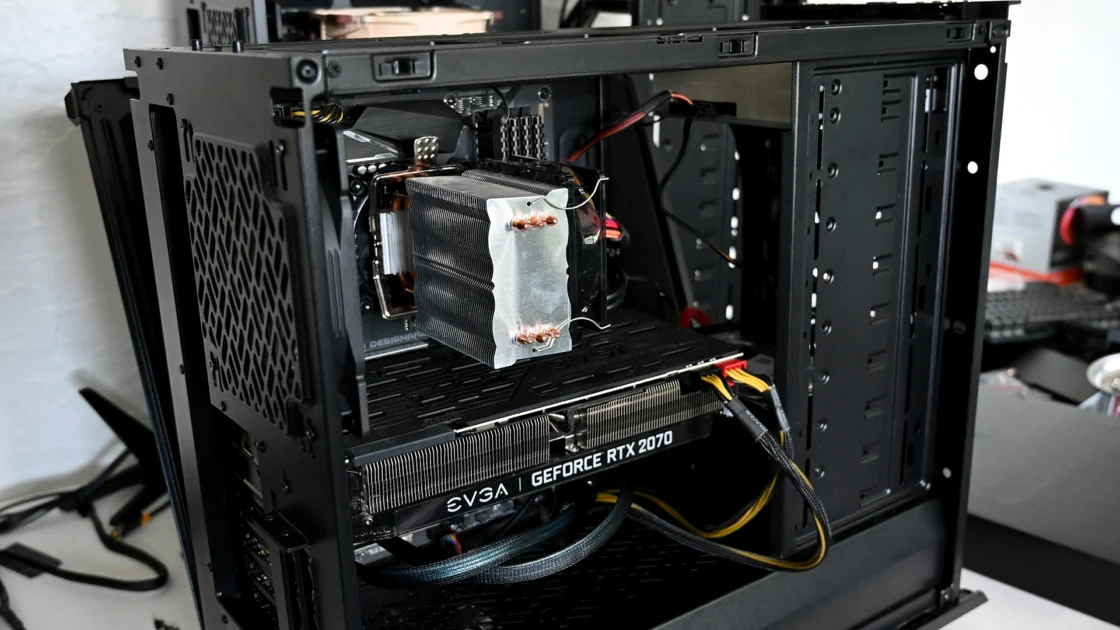


When setting up a workstation for Unreal Engine development, especially for porting games to consoles, the choice between prioritizing CPU, GPU, or RAM can significantly impact your workflow. At Making Port, we specialize in Unreal Engine optimization and console porting, so we know firsthand how hardware choices affect performance, iteration speed, and final output quality.
But which component should you invest in most? Let’s break it down.
Why CPU Matters in Unreal Engine Development
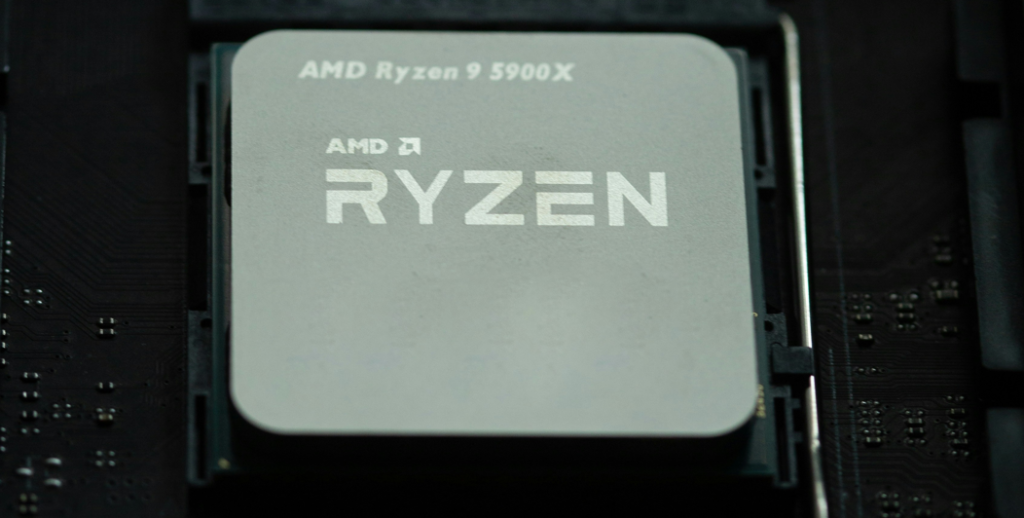
The CPU (Central Processing Unit) is the backbone of your development workflow. Here’s why:
- Compilation Speed: Unreal Engine relies heavily on the CPU for compiling C++ code and shaders. A faster CPU (with high single-core performance) reduces wait times during builds, allowing for quicker iteration (critical for outsourcing and development pipelines).
- Editor Performance: The Unreal Editor itself is CPU-bound for tasks like asset management, blueprint scripting, and scene navigation. A high-end CPU ensures smoother editor performance, especially in large, complex projects.
- Physics and Logic: CPU handles game logic, AI, and physics simulations. For console porting, where performance optimization is key, a strong CPU helps identify bottlenecks early.
Key Takeaway: A powerful CPU (e.g., Intel Core i9 or AMD Ryzen 9) is essential for faster compilation and editor responsiveness, directly impacting productivity.
Why GPU Matters in Unreal Engine Development
The GPU (Graphics Processing Unit) is crucial for real-time rendering and visual fidelity:
- Real-Time Rendering: Unreal Engine’s viewport performance depends on the GPU. A high-end GPU (like NVIDIA RTX 4090 or AMD RX 7900 XTX) ensures smooth frame rates while working with high-poly models, complex materials, and advanced lighting (e.g., Lumen, Nanite).
- Shader Compilation: While the CPU compiles shaders, the GPU executes them. A strong GPU reduces stuttering and improves real-time feedback, which is vital for optimization and console-specific rendering.
- Ray Tracing and Effects: For next-gen console ports, ray tracing and VFX-heavy scenes demand a robust GPU to preview accurately before deployment.
Key Takeaway: A top-tier GPU is non-negotiable for real-time visual feedback and high-end rendering, especially when targeting modern consoles.
Why RAM Matters in Unreal Engine Development
RAM (Random Access Memory) is often overlooked but plays a critical role:
- Asset Loading: Unreal Engine loads textures, meshes, and audio into RAM. Insufficient RAM (e.g., less than 32GB) causes slowdowns or crashes when working with large open-world projects or high-res assets.
- Multitasking: Running Unreal Engine alongside other tools (e.g., Photoshop, Maya, or debugging software) requires ample RAM. For outsourcing workflows, where multiple applications run simultaneously, 64GB or more is ideal.
- Virtualization: If you’re testing console ports via emulation or virtual machines, additional RAM ensures stability.
Key Takeaway: 32GB is the minimum for serious Unreal Engine development, but 64GB+ is recommended for large-scale projects and multitasking.
Conclusion: Balancing Your Workstation for Unreal Engine Porting
So, which is most important? The answer depends on your workflow:
- CPU-First Approach: If you spend most of your time compiling code, scripting, or optimizing logic, prioritize a high-end CPU.
- GPU-First Approach: If your work involves heavy rendering, VFX, or real-time previews, invest in a top-tier GPU.
- RAM as a Foundation: Never skimp on RAM—it’s the glue that holds everything together, especially for console porting and outsourcing projects.
Related reading
For the full specification, see Unreal Engine PC requirements for development in 2026. If you are porting to console, the key factors to evaluate before starting a console porting project are the next step, and Making Port offers console porting services for Unreal Engine.