

Introduction
Porting a game to consoles is a complex process that requires meticulous attention to the console certification requirements set by each platform holder. Even the most experienced Unreal Engine developers can encounter roadblocks during certification, leading to costly delays or rejections. At Making Port, we specialize in console porting and optimization, helping studios navigate these challenges efficiently.
In this article, we’ll break down the most common certification issues we’ve encountered (from terminology errors to functional bugs) and provide actionable insights to ensure your game meets platform standards on the first try.
1. Terminology: The Devil in the Details
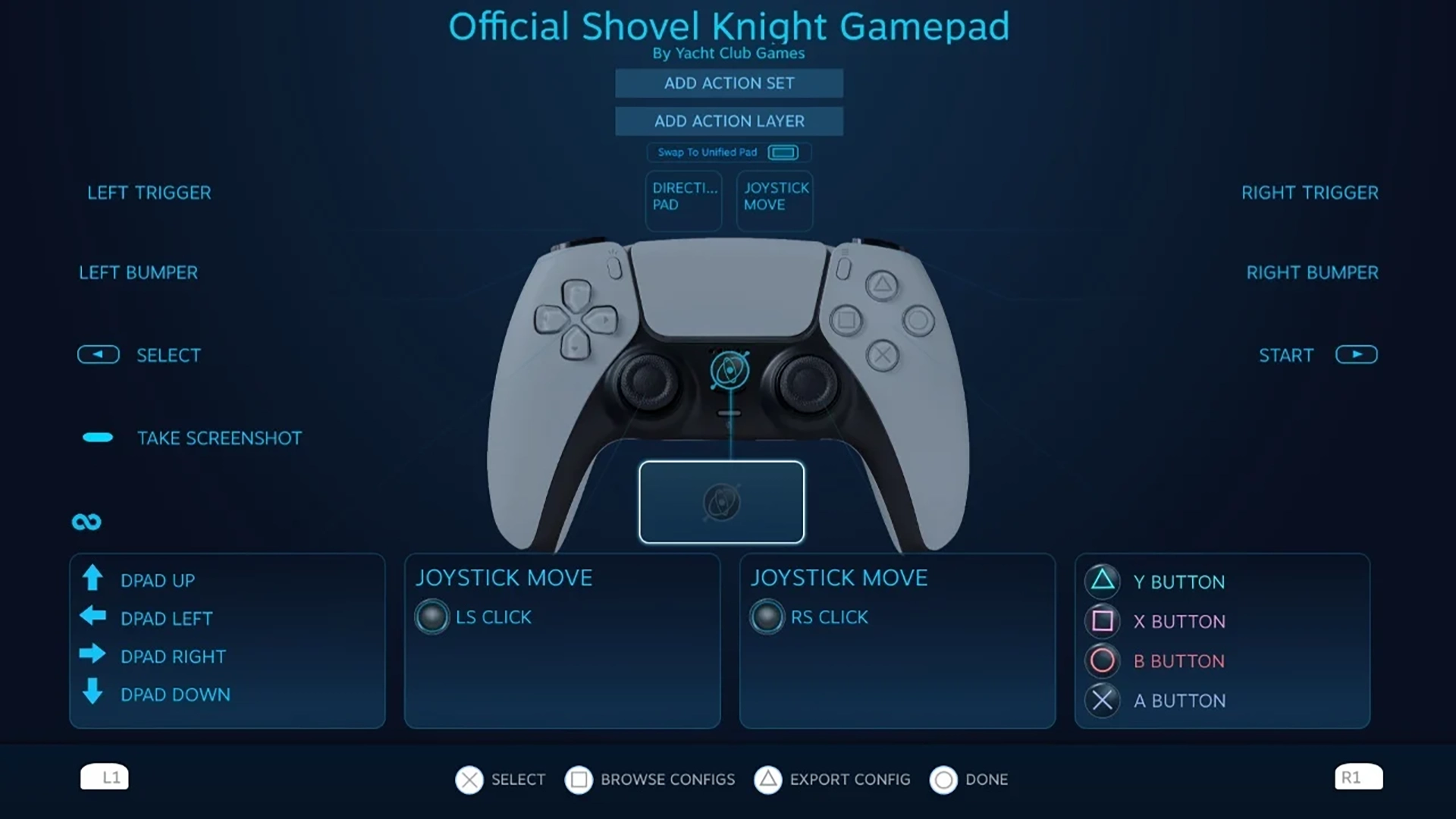
Why it matters: Consoles like PlayStation, Xbox, and Nintendo Switch have strict guidelines for in-game text, button prompts, and legal disclaimers. Using incorrect or unapproved terminology (e.g., “Press X key” instead of “Press □” for PlayStation) can result in immediate rejection.
How to avoid it:
- Always refer to the latest platform-specific terminology guides (e.g., Sony’s TRC, Microsoft’s XR, Nintendo’s Lotcheck).
- Implement a localization review early in the development process.
- Use Unreal Engine’s input mapping system to dynamically swap button icons per platform.
2. Missing or Incorrect Official Art
Why it matters: Platforms require high-resolution, officially approved assets for box art, icons, and promotional materials. Submitting low-quality, placeholder, or unapproved art is a guaranteed rejection.
How to avoid it:
- Work with your publisher or platform representative to obtain the correct assets early.
- Ensure all images meet the resolution and format requirements (e.g., PNG, TIFF, or specific DPI).
- Double-check age rating logos (PEGI, ESRB, etc.) are included and correctly placed.
3. Excessive Disk Access
Why it matters: Frequent read/write operations can slow down performance, trigger hardware warnings, or even corrupt save files,all of which violate certification rules.
How to avoid it:
- Optimize asset loading with Unreal Engine’s async loading and streaming systems.
- Minimize autosaves; use checkpoints or manual saves where possible.
- Profile disk usage with tools like Unreal Insights or PIX.
4. Unnecessary Server Access
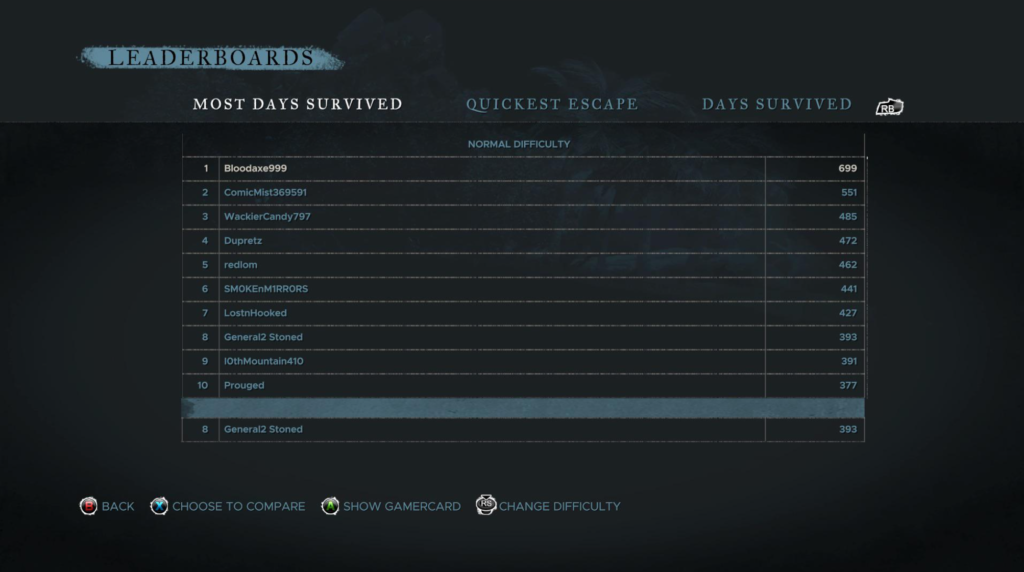
Why it matters: Games that ping servers too frequently (e.g., for DRM checks, leaderboards, or ads) risk failing certification due to privacy concerns or poor user experience.
How to avoid it:
- Cache data locally where possible.
- Batch server requests and use efficient APIs.
5. Incorrect Age Ratings
Why it matters: Submitting a game with the wrong age rating (e.g., PEGI 12 instead of PEGI 18) can lead to legal issues and certification rejection.
How to avoid it:
- Complete the IARC questionnaire accurately.
- Cross-reference with your publisher’s legal team.
- Include all content descriptors (violence, language, etc.) in metadata.
6. Metadata Errors
Why it matters: Incorrect metadata (e.g., wrong game title, developer name, or release date) can confuse players and violate platform policies.
How to avoid it:
- Use a checklist for all metadata fields (e.g., Xbox’s “Product Details” or PlayStation’s “Title Management”).
- Automate metadata validation with scripts or Unreal Engine plugins.
7. Incorrect Product Codes
Why it matters: Platforms assign unique SKUs or product codes for each game version. Using the wrong code can delay certification or even prevent release.
How to avoid it:
- Confirm codes with your platform account manager.
- Use version control to track code assignments.
8. Misconfigured or Broken Services

Why it matters: Online features (multiplayer, DLC, cloud saves) must work flawlessly. Broken services are a top reason for certification failure.
How to avoid it:
- Test all online functionality early and often.
- Use development servers or environments for local testing.
- Follow platform-specific API guidelines (e.g., PlayStation Network, Xbox Live).
9. Incorrect Product Information on Platforms
Why it matters: Mismatched descriptions, screenshots, or trailers between your submission and the store page can lead to rejection.
How to avoid it:
- Sync all assets and text with your marketing team.
- Use platform-specific tools (e.g., Xbox Partner Center, PlayStation Publisher Portal) to preview your store page.
10. Functional Bugs: The Silent Killer
Why it matters: Hardlocks, softlocks, or progression-blocking bugs are instant fails. Even minor issues (e.g., UI glitches) can trigger a resubmission.
How to avoid it:
- Conduct full playthrough tests on dev kits.
- Prioritize bug fixes based on platform severity guidelines.
Conclusion
Certification doesn’t have to be a nightmare. By addressing these 10 common pitfalls (from terminology to functional bugs) you can streamline your console porting process, reduce outsourcing costs, and get your game approved faster.
Working with a porting partner
Most of these pitfalls are caught long before submission when a named certification owner is part of the team from day one. For how long each stage actually takes, see our breakdown of certification timelines for game porting, or read why some games still launch with bugs after passing certification. If you would rather hand the process over to a co-development partner, Making Port provides console porting services for Unreal Engine, certification sign-off included.